Built helps you plan, adapt, and grow with modular solutions that can be used alone or combined to fit your needs. Whether you need a better org chart, robust position management/control, headcount planning, or help creating succession plans—Built is the answer. Each of our modules can be purchased individually or combined for a comprehensive solution, all securely integrated with BambooHR®️.
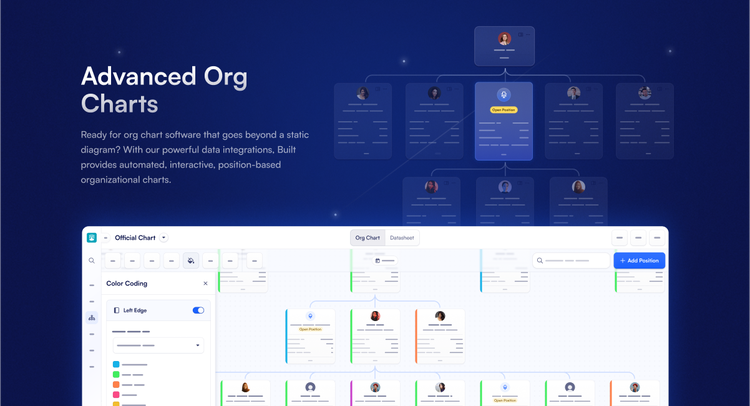
Advanced Org Chart
Easily build and update dynamic, position-based organizational charts. Built’s interactive design makes it simple to visualize and adapt your org structure as your company evolves.
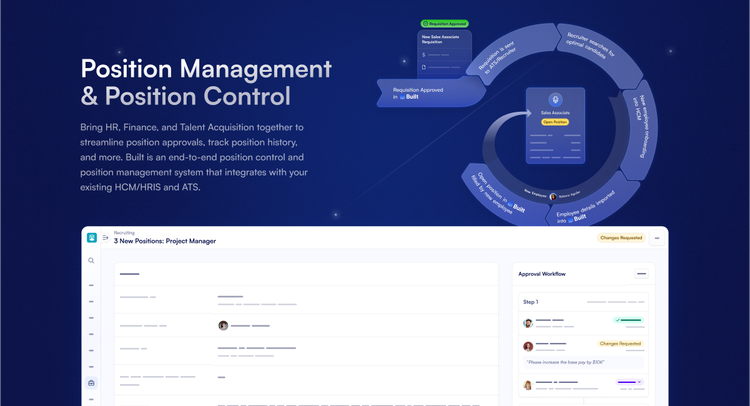
Position Management & Control
Align HR, Finance, and Talent Acquisition with a centralized system for tracking position history, managing approvals, and maintaining headcount integrity across the organization.
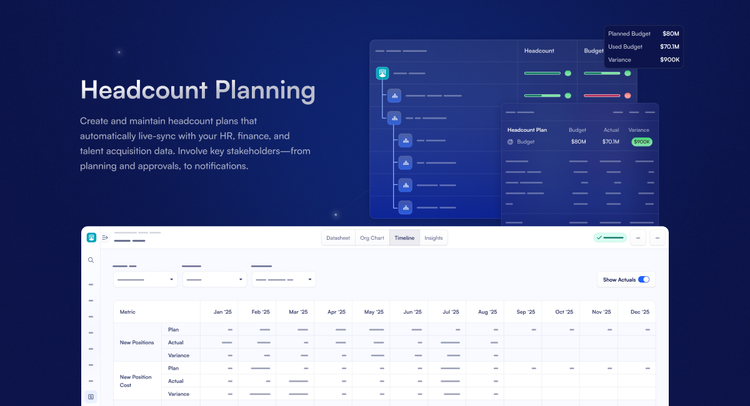
Headcount Planning
Develop, manage, and sync headcount plans automatically. Built connects live data across HR, Finance, and Talent Acquisition to keep your plans current and aligned.
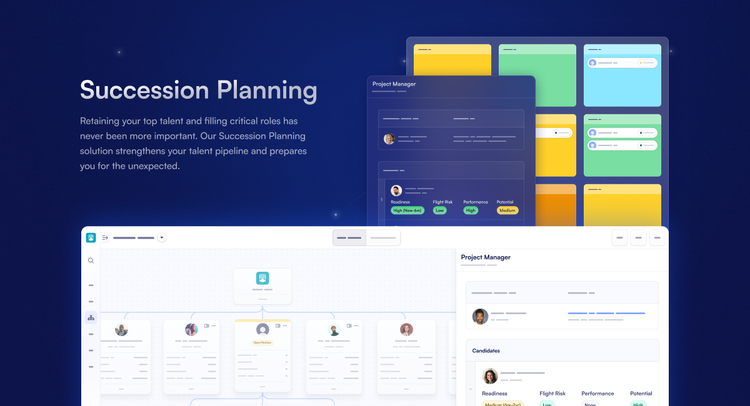
Succession Planning
Strengthen your leadership pipeline by identifying key roles and preparing successors at every level. Ensure business continuity with structured, proactive planning.
Integration
How it works
People and job data imported from BambooHR is used to create people and positions in Built.
What data syncs?
BambooHR Field
Sync Direction
Built Field
Field Logic or Notes
Is this turned on by default or is it configurable?
Pay Rate
Base Pay Rate
Default/Configurable
Pay Type
Base Pay Type
Default/Configurable
Birth Date
Birth Date
Default/Configurable
Annual Amount
Bonus (Amount)
Default/Configurable
Annual Percentage
Bonus (Percent)
Default/Configurable
Mobile Phone
Cell Phone
Default/Configurable
Effective Date
Effective Date (Pay)
Default/Configurable
Employee #
Employee ID
Required to import people
Default
Employment Status
Employee Status
Required to import people. Employment status data in BambooHR can be mapped to the Employee Status field and/or the Employee Type field in Built when initiating your integration.
Default
Employment Status
Employee Type
Employment status data in BambooHR can be mapped to the Employee Status field and/or the Employee Type field in Built when initiating your integration.
Default
Ethnicity
Ethnicity
Default/Configurable
First Name/Preferred Name
First Name
Required to import people
Default
Gender
Gender
Default/Configurable
Hire Date
Hire Date
Required to import people
Default
Home Address
Home Address
Default/Configurable
Home Phone
Home Phone
Default/Configurable
Last Name
Last Name
Required to import people
Default
Marital Status
Marital Status
Default/Configurable
Middle Name
Middle Initial
Default/Configurable
Work Phone
Office Phone (w/ ext)
Default/Configurable
Avatar
Photo
Default/Configurable
Home Email
Personal Email
Default/Configurable
Ethnicity
Race
Default/Configurable
Termination Date
Termination Date
Required to import people
Default
Termination Reason
Termination Reason
Default/Configurable
Work Email
Work Email
Required to import people
Default
Department
Department
Default/Configurable
Division
Division
Default/Configurable
Employment Status
Employee Type
Default/Configurable
Overtime Status
FLSA Classification
Default/Configurable
FTE
Full Time Equivalent
Default/Configurable
Location
(Position) Location
Default/Configurable
Reports To
Reports To
Required to import positions
Default
Job Title
Title
Only active titles are imported.
Default/Configurable
EEO Category
EEOC Classification
Default/Configurable
Job Title
Title
Required to import job definitions
Default
Location Name
Location Name
Required to import locations. Only active locations are imported.