Comprehensive
Discount Packaging
20% discount off your first year with Comprehensive
*New customers only
Overview
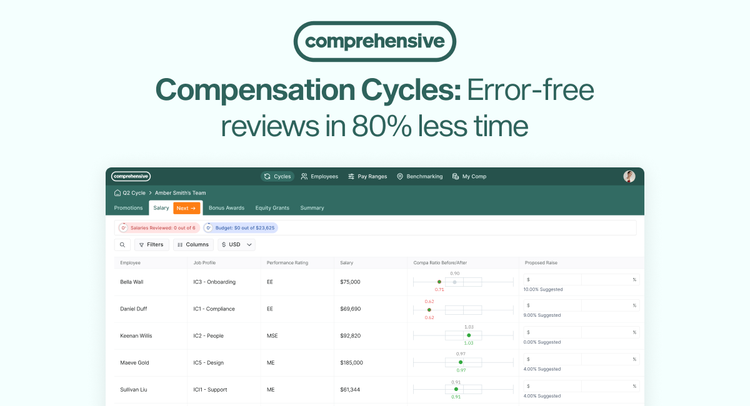
Comprehensive is a customizable compensation management platform that helps companies run salary, merit, and bonus review cycles, communicate total rewards with employees, and conduct benchmarking against market data — without using a thousand spreadsheets.
Eliminate compensation spreadsheets without sacrificing any configurability
Any formula you can write in Excel, you can build in Comprehensive. Comprehensive also supports custom columns, permissions, multi-step approval flows, multi-currency cycles, and bonus logic tailored to your exact review process. Say goodbye to broken formulas and weeks spent cobbling together unconnected workbooks!
Automate comp cycles across every pay type and currency
Handle merit, promotions, bonus, variable, and incentive pay across every country and currency. Apply region-specific pay structures, merit matrices, and budgets— and calculate incentive payouts with the exact logic your plans require, from simple targets to complex multi-factor formulas.
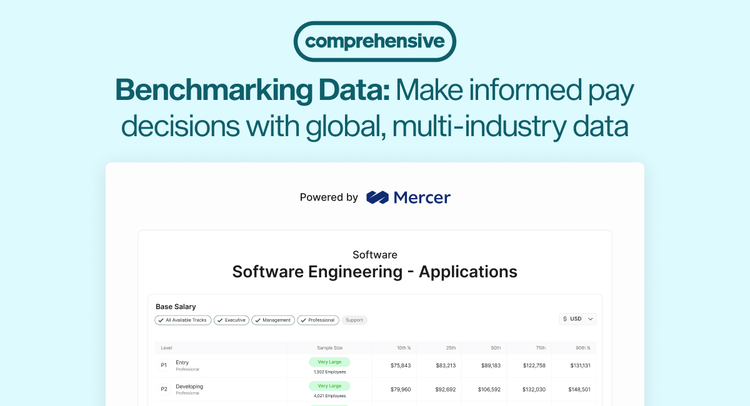
Access benchmarking data powered by Mercer and Salary.com
Benchmark against Mercer and Salary.com's global, multi-industry compensation data covering over 9 million employees in 100 countries. Easily search, filter, and match compensation data to your company's needs.
Everything else you need to run comp with confidence
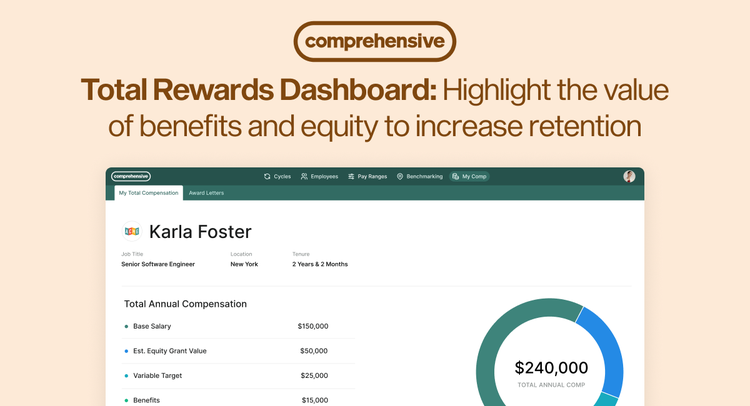
- Total rewards dashboard: Communicate the full value of pay — salary, equity, bonus, and benefits — to employees to build trust and reinforce retention.
- AI built in: Ask any question to surface instant insights from your comp data, and equip managers with personalized coaching for every pay conversation.
- Fast, expert onboarding: Our compensation experts will get you operational in less than 2 weeks, with ongoing dedicated support inside your Slack or Microsoft Teams.
Key Differentiators
Comprehensive is fully customizable to support your exact compensation program:
- Any formula, logic, or rule
- Multiple currencies & countries
- Bonus & incentive pay
Our full-service model gets you operational in less than 2 weeks, with ongoing real-time support directly inside your Slack or Microsoft Teams.
Integration
How It Works
Comprehensive integrates with BambooHR to save time and avoid costly errors when running your compensation review cycle or benchmarking employees to the market. No more spreadsheets! Empower your people leaders to make fully-informed compensation decisions by aggregating all relevant data into one place.
Steps to Install.
1. In Comprehensive, go to Integrations in your company settings
2. Select “Add Integration”
3. Select "BambooHR"
4. Follow the steps to connect your account to Comprehensive.
What data syncs?
Publisher
Comprehensive
Updated: 1/22/2025
Support:
Phone Support:
415-340-1099
Email Support:
support@comprehensive.io
Support Hours:
M-F 7AM-5PM Pacific Time