Connecteam
Overview
Connecteam is an all-in-one workforce management solution designed to simplify employee scheduling, time tracking, communication, task management, and more - all in one easy-to-use platform. Connecteam empowers managers and employees to stay connected and productive anytime, anywhere.
With our Connecteam’s - BambooHR integration, you can seamlessly sync employee demographic information BambooHR into Connecteam, keeping your workforce data accurate and up to date. This integration ensures that as you onboard or update employees in BambooHR, the information is automatically reflected in Connecteam - eliminating manual data entry and reducing errors.
Employee Scheduling
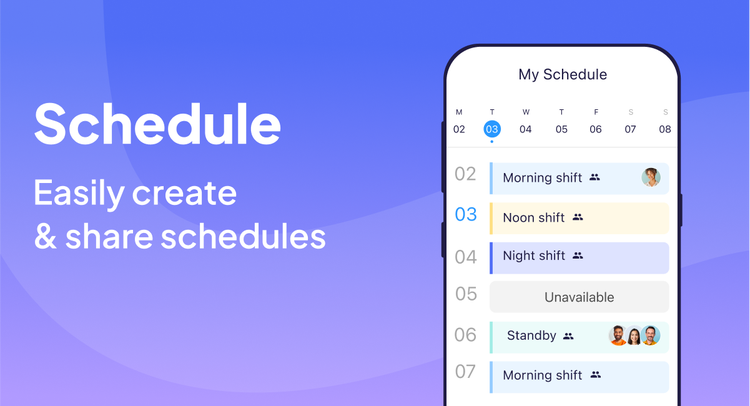
Build smart schedules in minutes by factoring in real-time availability, time-off requests, and employee skills. Use our AI scheduling assistant to automatically assign shifts based on preset parameters.
Publish instantly with push notifications so your team always knows when and where they’re working. Keep shifts covered, reduce costs, and boost productivity with ease.
Time & Attendance
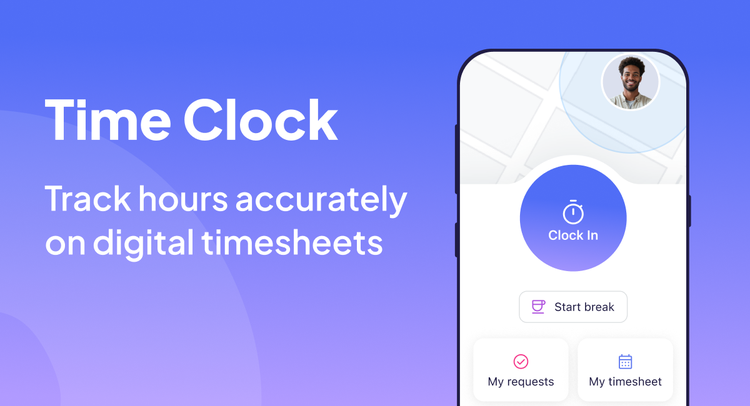
Easily track work hours with mobile clock in/out from any device - complete with GPS location and geo-fencing to ensure accuracy. Use the Kiosk app with secure facial recognition to prevent buddy punching and keep records clean.
Employees can request absences or shift swaps right from the app, while managers approve in real time.
Automatic timesheets are generated for payroll, with overtime, breaks, and compliance rules built in - saving hours of manual work. With no clunky hardware required, you get a simple, all-in-one solution that keeps your team accountable and your labor costs under control.
Communication
Keep your team connected and engaged with easy-to-use communication tools.
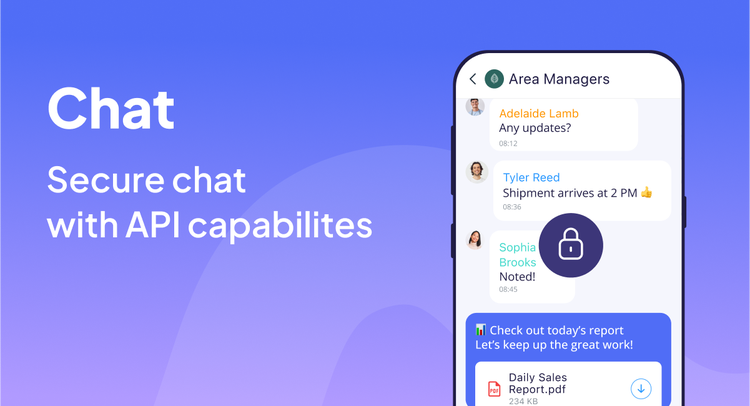
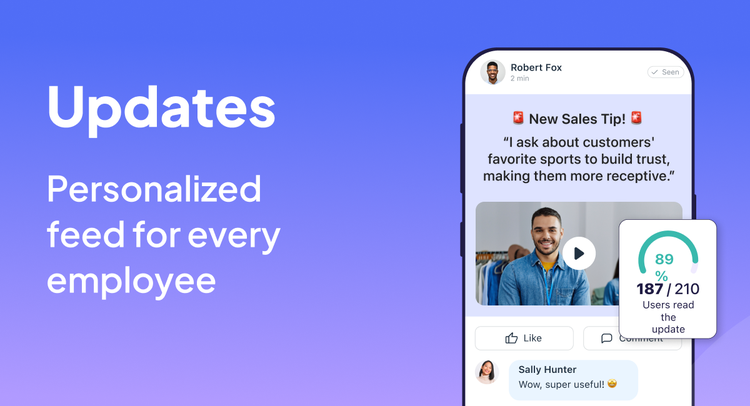
Choose from 1:1 or group chats, share updates, announcements, and reminders in the company newsfeed, and choose whether to notify the entire workforce or specific locations. Require employees to confirm messages to ensure nothing gets missed. Encourage feedback and collaboration by enabling comments and reactions, creating a space where your staff can stay informed and involved.
Plus, leverage AI-powered Updates & Translate: draft clear, on-brand updates in seconds, then auto-translate them into each employee’s preferred language - so nothing gets lost in translation
Forms & Checklists
Digitize your paper processes with customizable mobile forms and checklists.
Upload a file or take a photo of any form - like PDFs, Excel sheets, or images - and use AI-powered Form Automation (Magic File-to-Form) to instantly convert them into fillable digital versions.
Employees complete and submit forms from the app - attaching photos, signatures, or GPS stamps. All entries are stored automatically, improving audits, compliance, and internal reporting while eliminating paperwork
Integration
How it works
The BambooHR user sync integration allows for automatic synchronization of user data, reducing manual effort and ensuring data consistency. Specifically:
New Users: When a new user is added to BambooHR, they will be automatically imported into Connecteam as a "Pending Approval."
User Updates: Any changes to a user's personal information in BambooHR (e.g., name, phone number) will be reflected in Connecteam as an "Update User" approval request.
User Deletion/Archiving: When a user is deleted in BambooHR, they will be archived in Connecteam.
Step-by-Step Integration Guide
Part 1: Connecting to BambooHR
1. Navigate to User Integrations:
From your Connecteam dashboard, go to the Users page.
Click on the Add Users dropdown menu.
Select User Integrations.
2. Select BambooHR:
On the User Integrations page, you will see a list of available integrations.
Locate BambooHR and click the Connect button next to it.
3. Approve Integration Permissions:
A modal will appear, explaining what the BambooHR integration does.
Click the Connect to BambooHR button within this modal.
4. Enter Your BambooHR Domain:
You will be prompted to enter your BambooHR domain URL. This is the part of your BambooHR URL before "bamboohr.com" (e.g., if your BambooHR URL is https://mycompany.bamboohr.com, you would enter mycompany).
Enter your domain and click Continue.
5. Authenticate with BambooHR:
You will be redirected to a BambooHR authentication page.
Log in to your BambooHR account and grant Connecteam the necessary permissions.
6. Confirm Connection Success:
Once the authentication is complete, you will be redirected back to Connecteam.
A "Connection successful" message will appear. Click Continue to setup.
Part 2: Setting Up the Integration
Review the Integration Sync Logic:
After a successful connection, you will be directed to the "Integration setup" page.
This page provides a summary of how the BambooHR user sync works:
When users are added in BambooHR, they are imported into Connecteam.
When users are updated in BambooHR, the changes are applied in Connecteam.
When users are deleted in BambooHR, they are archived in Connecteam.
New users will appear in Connecteam for approval before being added.
Review this information and click Next.
Map User Fields:
On the "User field mapping" stage, you will define how data from BambooHR maps to Connecteam.
Default mappings will be provided for essential fields like:
BambooHR: First Name → Connecteam: First Name
BambooHR: Last Name → Connecteam: Last Name
BambooHR: Mobile Phone → Connecteam: Mobile Phone
First Name, Last Name, and Mobile Phone are mandatory fields that must be mapped.
You can add additional fields by clicking + Add field and selecting the corresponding fields from BambooHR and Connecteam.
To remove a mapped field, click the trash icon next to it.
If a field is not selected in a dropdown, it will be ignored during the sync.
Once you are satisfied with your field mappings, click Complete.
Setup Completion:
A "Setup completed" modal will appear.
Click Got it.
What data syncs?
Publisher
Connecteam
Updated: 09/04/2025
Email Support:
support@connecteam.com
Support Hours:
24/7 (live chat support - reach our support team via the in-app chat bubble on the lower right side of your screen)