Doneboard
Overview
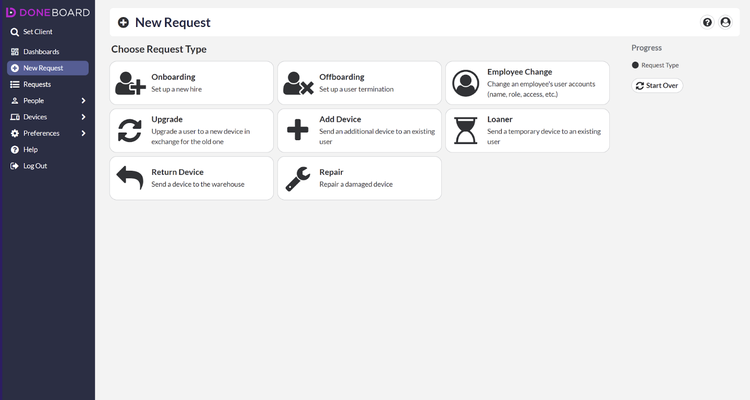
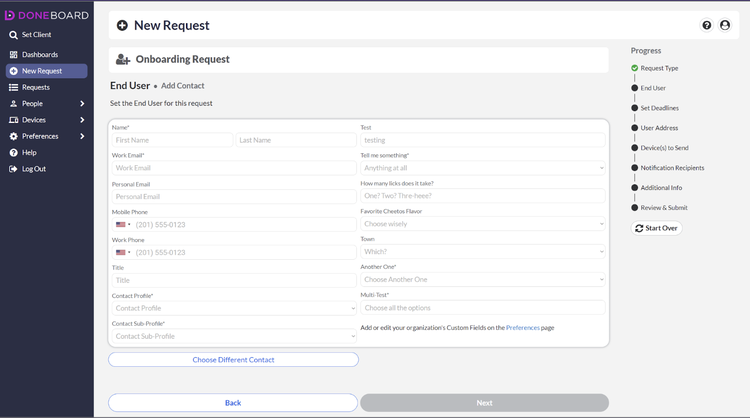
Doneboard is a complete solution to integrate all aspects of IT into your onboarding and offboarding processes. The key components are user account provisioning and deprovisioning, inventory management, and device management and security. When onboarding a new employee, you can simply turn on their key cloud services and ship a fully-configured laptop and monitor from a secure warehouse to the user. When offboarding an employee, you can simply turn off their cloud services and have their laptop and monitor returned to a secure warehouse. Doneboard handles all aspects of inventory management including procurement, pre-shipment setup, post-return secure wipe, storage, disposal, and real-time tracking.
Full-Cycle Inventory Management
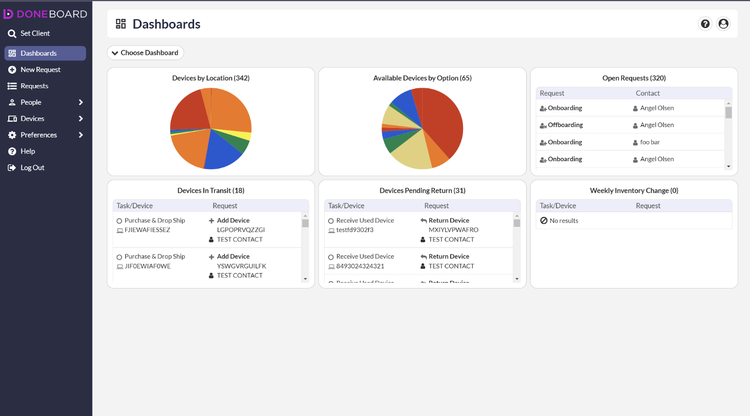
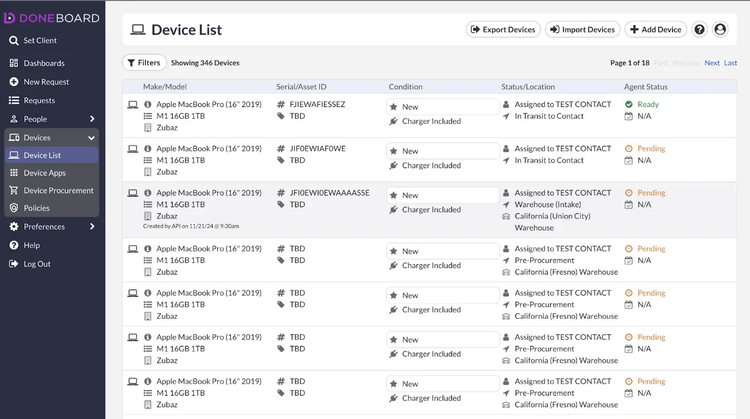
Doneboard handles all aspects of your company's IT inventory management including procurement, secure storage, configuration for new user, shipment to new user, retrieval from departing employees, secure wipe, and certified secure disposal. The Doneboard app gives you real-time access to the status of all registered devices and a simple interface for requesting changes.
User Account Provisioning and Deprovisioning
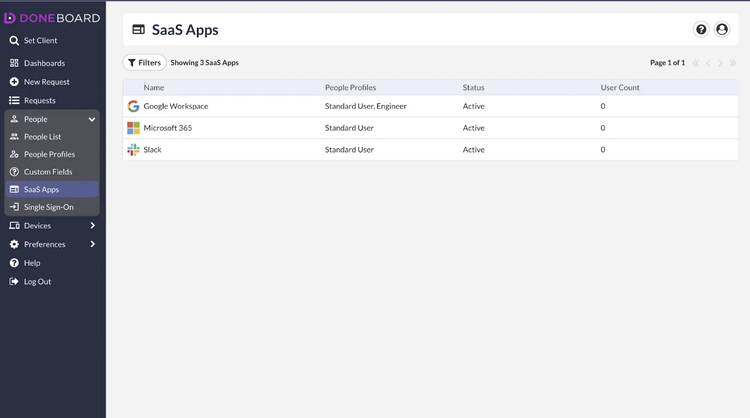
Integrated with your employee onboarding and offboarding processes, Doneboard can provision and deprovision all applicable cloud applications for the user with just a few clicks.
Device Management and Security
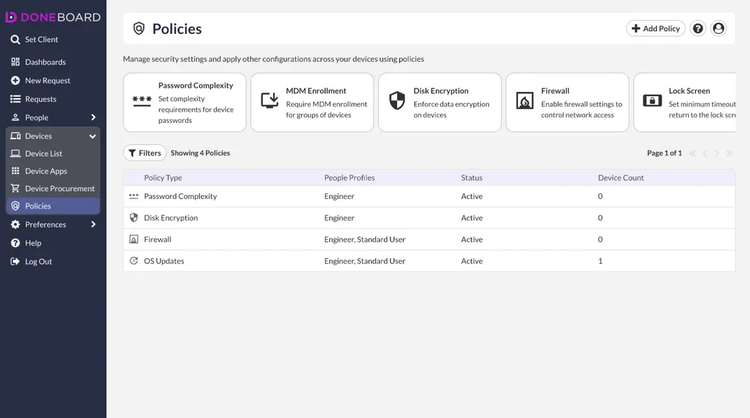
Doneboard enables zero-touch deployment, enforcement of security policies, and automatic deployment of patches and security updates. After initial setup, you can have confidence that all your laptops will always meet your minimum security standards.
Key Differentiators
Doneboard is the only application that allows you to offload all the logistics of provisioning and deprovisioning user accounts and IT equipment logistics. With its comprehensive scope, Doneboard can save you significant time and hassle in the onboarding and offboarding processes.
Better Together Story:
HR professionals want to make a new hire's experience excellent from their first day while minimizing the amount of time and frustrations in the internal processes. The BambooHR-Doneboard integrated service can accomplish both these goals. Users can move smoothly from the HR onboarding tasks to the IT onboarding tasks and, with a couple of clicks, can have all the user's accounts and IT equipment ready for their first day. Similarly, for offboarding, it's one integrated experience to retrieve IT equipment and remove accounts handled at the same time as other HR offboarding tasks.
Integration
How it works
Doneboard monitors BambooHR for changes to the employee list and, when one occurs, it sends the submitter an email to complete the IT components of the task in the Doneboard app. All the relevant fields are brought over from BambooHR so that the user doesn't need to do any duplicate entries.
How to Install:
To integrate with BambooHR, click Preferences, then Integrations. From the list of integrations, click on BambooHR and you will be prompted to enter your BambooHR user credentials. Once authenticated, the integration will be live.
What data syncs?
Publisher
Doneboard
Integration Published: 11/21/2024
Integration Updated: 04/15/2026