Pebl Global Work Platform ™
Overview
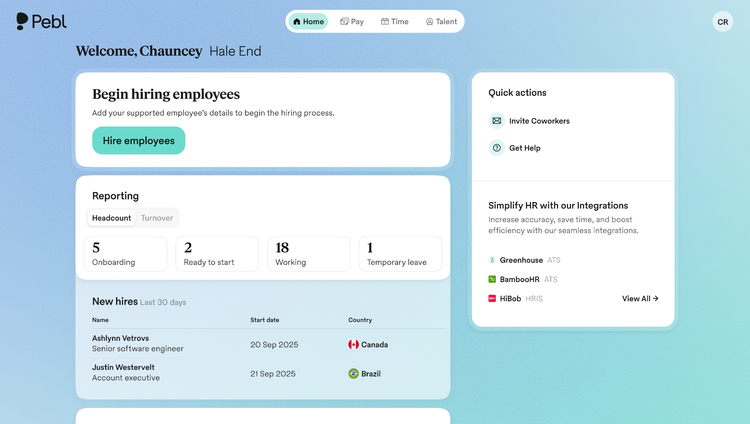
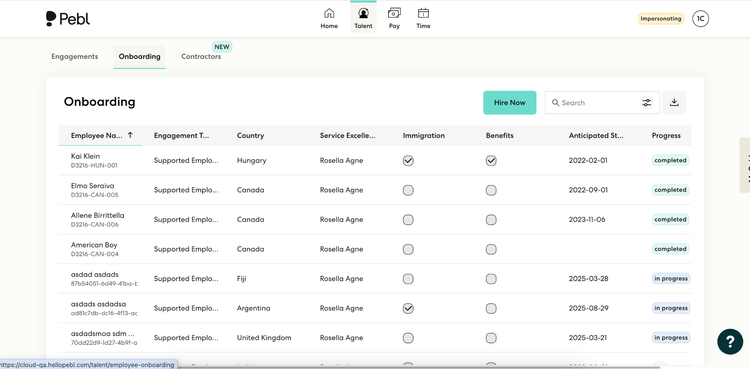
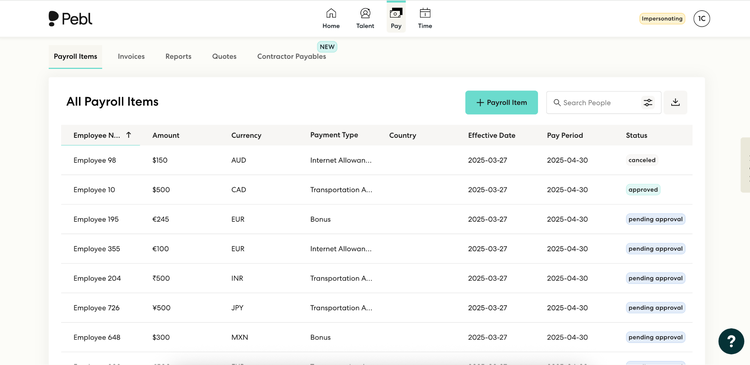
Pebl’s Global Work Platform makes it easy for companies to hire, pay, and manage talent in 185+ countries without the cost or complexity of setting up entities. Combining AI automation with expert compliance support, Pebl ensures payroll, contracts, and benefits are done right every time. Trusted by 1500+ of businesses worldwide, Pebl helps organizations scale globally with speed and confidence
Real-Time Integration
Clients no longer need to schedule synchronizations or manually transfer information. Employee data will automatically sync to the Pebl Work Platform™ once the employee is assigned to Pebl in BambooHR.
Bi-Directional Updates via Webhooks and API
Our bi-directional integration means data seamlessly flows both ways between BambooHR and Pebl. Upon employee record creation in BambooHR, the data will sync to the Pebl Work Platform™. In addition, any employee updates in the Pebl Work Platform™ will sync to BambooHR.
Custom Data Mapping
The integration has out-of-the-box default data mapping from BambooHR into Pebl. Clients also have the ability to customize data-field mapping to meet their unique needs.
Integration
How it works
Pebl's implementation team helps with integration setup from start to finish. While the client is responsible for BambooHR application configuration, Pebl's implementation team is ready to assist. Once the integration is enabled on both sides, Pebl's team will help the client run an end-to-end test.
Steps to install include:
1. Client to provide BambooHR application subdomain.
2. Client, with assistance from our implementation team, to authenticate our integration within BambooHR using OpenID connect.
3. Client to create a ‘Pay Group’ for Pebl.
4. Our implementation team will handle all the configuration on Pebl’s side and will work with the client on end-to-end testing.
What data syncs?
Publisher
Pebl Global Work Platform ™
Updated: 09/17/2025
Phone Support:
(1) 720-594-2789
Email Support:
info@hellopebl.com
Support Hours:
24/7 Global Support