Primo
Discount Packaging
BambooHR customers get their first month on Primo free when coming from the BambooHR Marketplace.
Overview
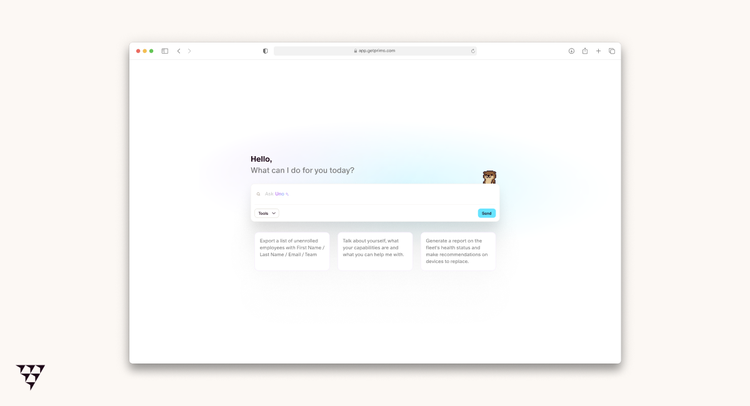
Primo is the Unified IT Operations Platform built for modern companies between 50 and 500 employees. Trusted by more than 250 companies and used by 15,000 employees, Primo gives IT teams the visibility, automation, and control they need to scale operations with confidence, from first day to last day.
Most companies using BambooHR still rely on manual processes to translate HR events into IT actions. When a new hire joins, someone has to order the device, set up the accounts, and grant the right accesses. When an employee leaves, someone has to remember to revoke everything. The result is slow onboarding, risky offboarding, and an IT team spending its time coordinating instead of operating.
Primo connects directly to BambooHR to make the employee lifecycle the operational backbone of your IT environment. Every hire, role change, or departure in BambooHR automatically triggers the right IT workflows in Primo: device provisioning, SaaS access management, procurement, and ticketing, all in one unified platform.
No more back-and-forth between HR and IT. No more forgotten access. No more day-one delays.
Multi-OS MDM
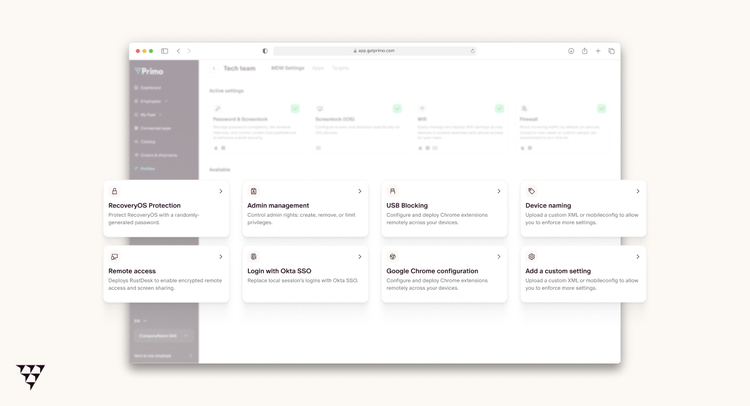
Multi-OS device management, connected to your HR data
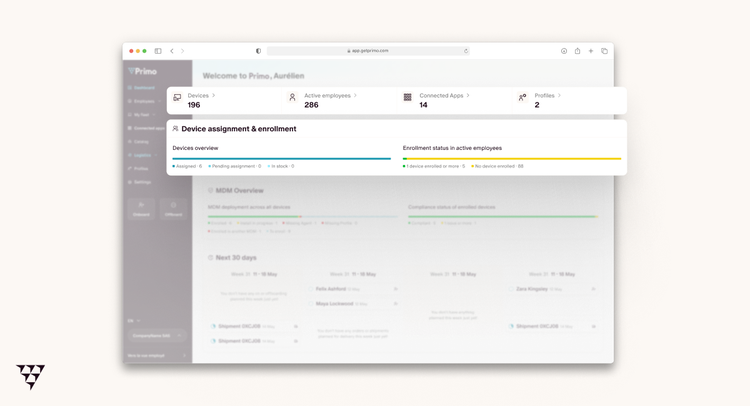
When a new hire appears in BambooHR, Primo surfaces the right context for your IT team: who's joining, when, and what they need.
No more back-and-forth with HR to gather information. Your team can assign and configure the right device from a single place, with full visibility across your entire Mac, Windows, and mobile fleet.
SaaS Management
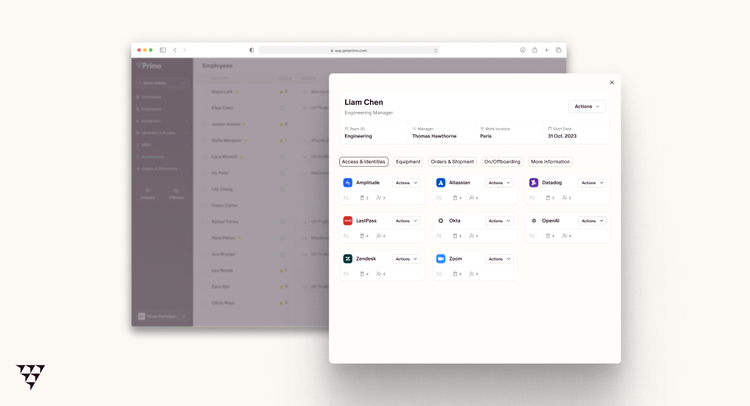
Automated access provisioning and deprovisioning.
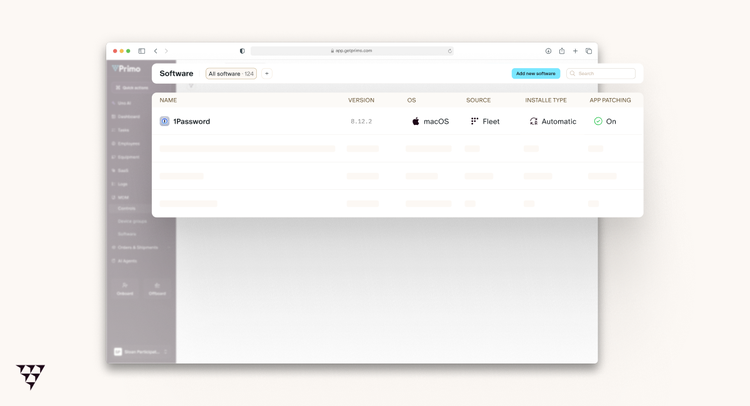
Primo centralizes your entire SaaS stack and links access rights to employee data from BambooHR. When someone joins, changes role, or leaves, the right applications are provisioned or revoked automatically. No forgotten access, no license waste.
IT Procurement with ZTD
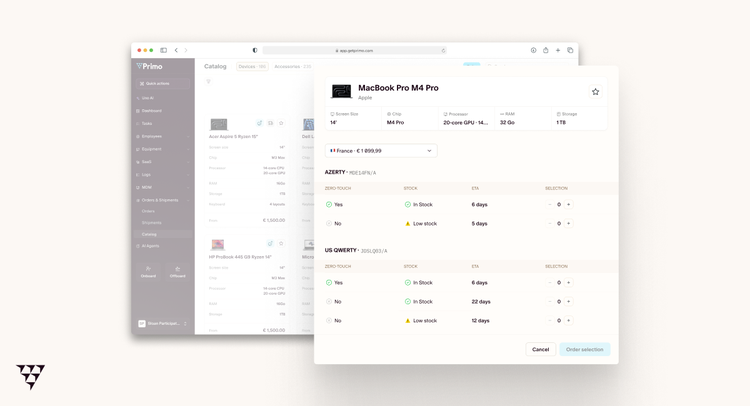
Hardware ordering informed by HR events.
When BambooHR records a new hire, Primo gives your IT team everything they need to act fast: the employee's start date, role, and location, all in one place.
No hunting for information across emails and spreadsheets. Your team can initiate the right hardware order with full context, ensuring the device arrives configured and ready before day one.
IT Ticketing
IT workflows built around the employee lifecycle.
Primo's integrated ticketing system turns HR events into structured IT workflows. Onboarding, offboarding, and role changes in BambooHR automatically generate the right tasks and tickets in Primo, ensuring nothing falls through the cracks.
Key Differentiators:
Primo is a Unified IT Operations Platform natively connected to BambooHR.
Where other tools require you to build automation on top of disconnected systems, Primo centralizes devices, access, SaaS, procurement, and ticketing into one structured operational foundation — with BambooHR as the single source of truth.
One IT platform. One HR data model. No blind spots.
Better Together Story:
When a new employee is created in BambooHR, the information flows directly into Primo.
Your IT team sees who is joining, when, and in what role. The right onboarding workflows are triggered: device assignment, SaaS provisioning, and ticket creation all follow a structured, repeatable process.
Nothing has to be communicated manually between HR and IT. The data that lives in BambooHR becomes the operational starting point for everything IT needs to execute before day one.
Integration
How it works
Primo connects to BambooHR via API and reads your employee data directly. When a new hire is added, a role changes, or an employee leaves in BambooHR, Primo picks up that information and surfaces it to your IT team as structured workflows. Devices, SaaS access, procurement, and ticketing all stay in sync with what is happening on the HR side, without any manual handoff between teams.
How to Install:
Getting started takes just a few minutes. Inside Primo, navigate to the HR Sync tab and follow the step-by-step instructions to connect your BambooHR account. Everything you need is explained directly in the product, no technical setup or external documentation required.
What data syncs?
Publisher
Primo
Integration Published: 3/18/2026
Integration Updated: 3/18/2026
Email Support:
Support Hours:
9AM to 7PM, UTC+1