Projectworks
Overview
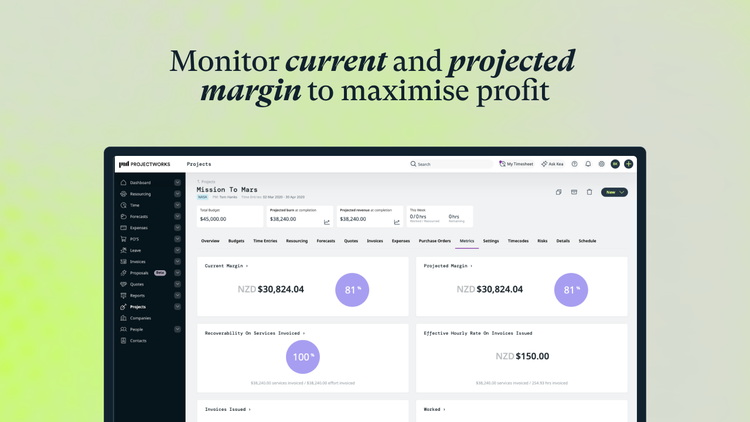
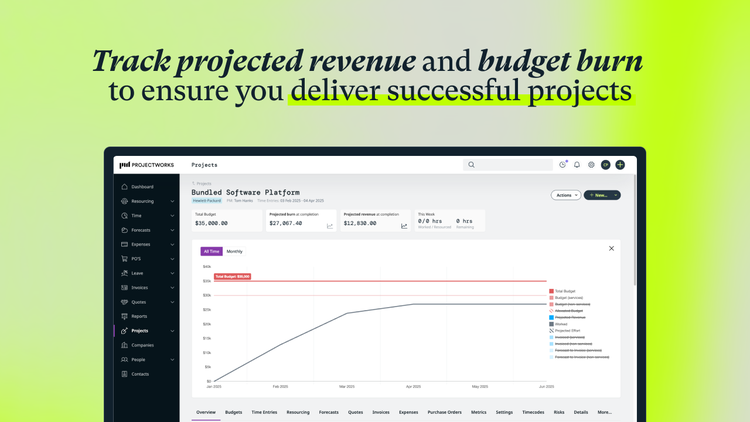
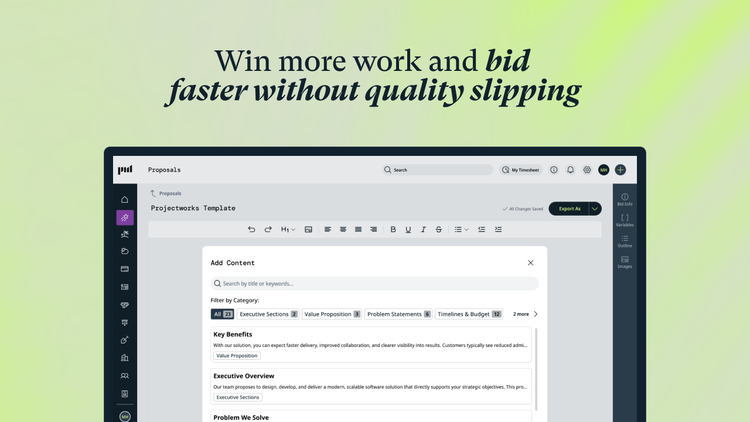
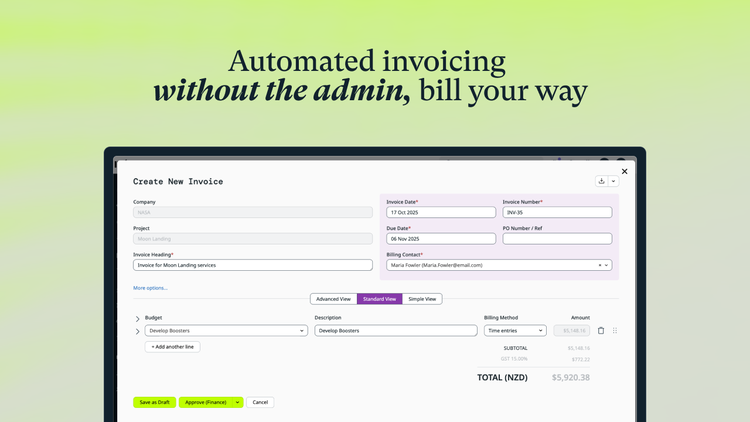
Projectworks connects each part of your consulting firm on one AI-powered platform, from proposals to invoicing. It clears the repetitive admin and gives you a live read on margin, utilization, and project health, so your experts stay on the work that wins clients.
Time off setup, accruals, and requests can be managed entirely in BambooHR, and Projectworks will be updated to reflect employee availability. This informs resourcing and reporting, so you always know staff availability and how this impacts your organization's capacity.
Automatically track employee absences
Save time by instantly pulling updated time off from BambooHR. Our webhook functionality automatically syncs the two platforms so you don’t have to waste time entering data twice.
Accurately resource your projects
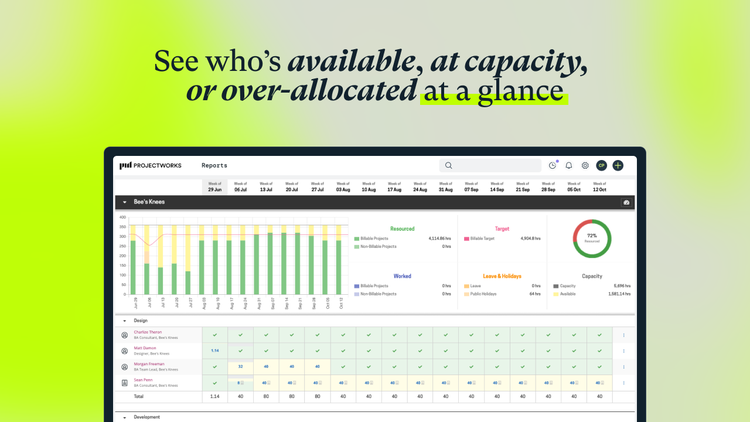
Efficiently resource your projects with a clear view of employee capacity. Avoid the risk of unexpected delays for both active and planned projects, and keep your work progressing smoothly.
Increase staff productivity with an integrated system
Improve employee satisfaction and efficiency with an easy-to-use services ecosystem that your team will love. Don’t be surprised by time off that falls through the cracks.
Key Differentiators:
- Projectworks is built for consulting and professional services firms, not adapted from a generic PM tool. When BambooHR leave data comes in, it lands inside a system designed around billable time, project margins, and resourcing, so it means something operationally rather than just showing up on a calendar.
- The sync runs on webhooks. When someone updates their leave in BambooHR, Projectworks reflects it automatically. No manual re-entry, no waiting on a scheduled import.
- Leave data doesn't stop at a leave record. It updates resourcing plans, shows up in capacity reporting, and feeds accurate payroll exports, so one BambooHR update touches staffing decisions and financial reporting at the same time.
- Projectworks brings proposals, resourcing, time and expenses, invoicing, and reporting into one system. Firms often run BambooHR alongside three or four disconnected tools for the rest of the business. Here, the leave data lands in the same platform used to staff projects and bill clients, not a separate silo.
- Today 700+ consulting firms across the US, Canada, Australia, New Zealand, and the UK run on Projectworks, and the platform has processed $3 billion in customer invoicing.
Better Together Story:
- Consulting firms run on billable time, and unplanned leave is one of the most common causes of missed deadlines and margin slippage. BambooHR handles leave requests and approvals; Projectworks turns that data into resourcing decisions.
- Once BambooHR is connected, a firm's resourcing view always reflects who is actually available, not who was available when someone last checked a spreadsheet. Project managers can staff around approved leave before it becomes a scheduling problem, and finance sees accurate capacity and payroll data without reconciling two systems by hand.
- The combination removes a manual step that consulting firms otherwise repeat every pay cycle: checking leave in one system, then updating resourcing and payroll in another. Together, BambooHR and Projectworks keep HR data and project delivery data in sync, so staffing plans, client commitments, and payroll all reflect the same numbers.
- We're extending this further. Later this year, we plan to expand the integration so that new hires created in BambooHR automatically provision a Projectworks user, removing another manual handoff between HR and delivery teams.
Integration
How it Works:
Employees enter leave in BambooHR which then pulls through into Projectworks. Leave configuration and setup can be managed entirely within BambooHR to reduce double handling.
When a new leave request is created, Projectworks pulls the leave record through and ensures the employee availability in Resourcing views is up-to-date by matching BambooHR work email with the employee email in Projectworks and pulling their leave from BambooHR to Projectworks. Any updates to the request in BambooHR will also get updated in Projectworks, including leave request deletion.
This means leave setup, accruals, and requests can be managed entirely in BambooHR, and Projectworks will be updated to reflect employee availability.
How to Install:
Step by step guide:
First, in Projectworks navigate to Admin → Settings → Beta Features and enable the BambooHR Beta and hit ‘Save’.
You will see a new tile under the Admin → Settings → Integration called HRIS. Fill in your BambooHR subdomain on the field, and select connect and follow the prompts to and grant required access.
You will be taken back to Projectworks where you can configure your integration.
What data syncs?
Publisher
Projectworks
Integration Published: 04/19/2026
Integration Updated: 04/19/2026
Email Support:
support@projectworks.com
Support Hours:
Our teams are across APAC, UK and USA and manage our support queue which carries a SLA one-business-day response.