Tellent Recruitee

Overview
Tellent Recruitee is a powerful, flexible ATS that helps teams hire efficiently and make better hiring decisions, faster. All you need to collaborate, manage your candidates, and hire with confidence. Streamline decisions, customize your process, and stay compliant, all in one place.
Collaborate & Hire your way
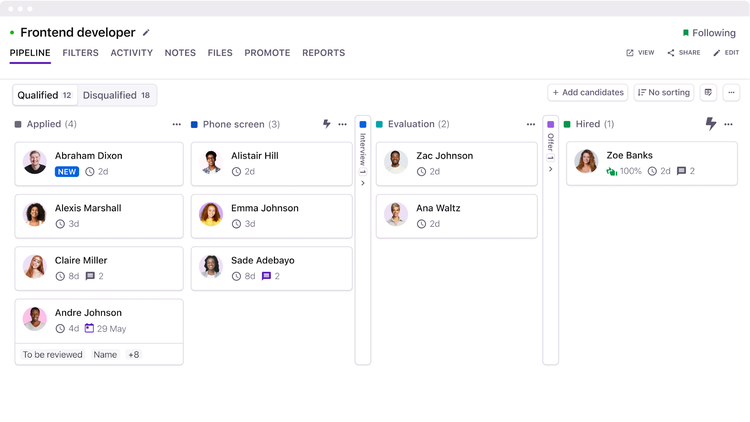
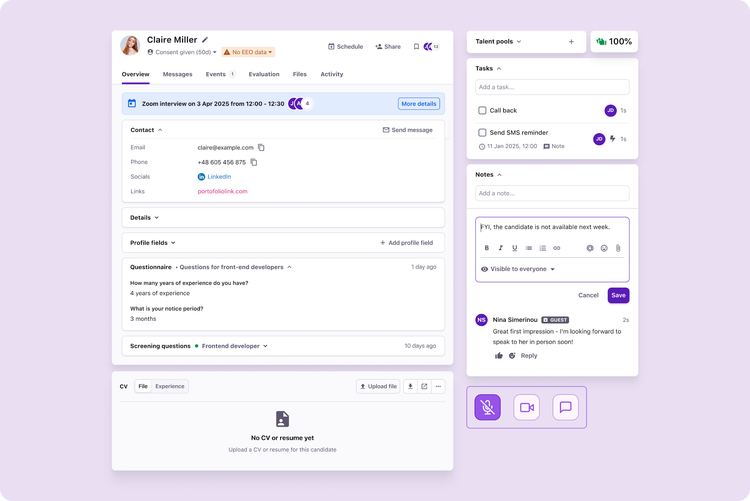
Our centralized ATS brings recruiters, hiring managers, and decision-makers together in one place, so you can streamline hiring. Screen, assess, and align as a team with customizable, automated workflows that help you make data-driven hiring decisions.
Attract the best talent
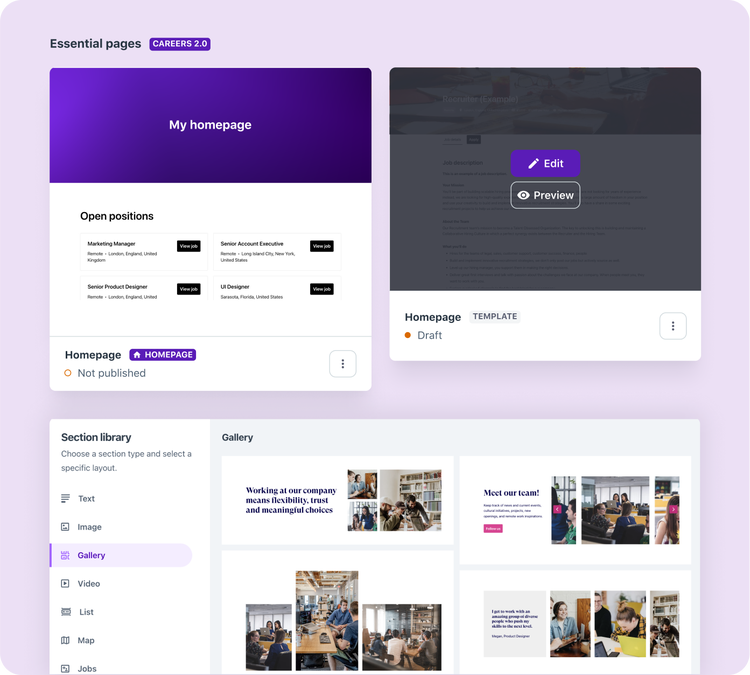
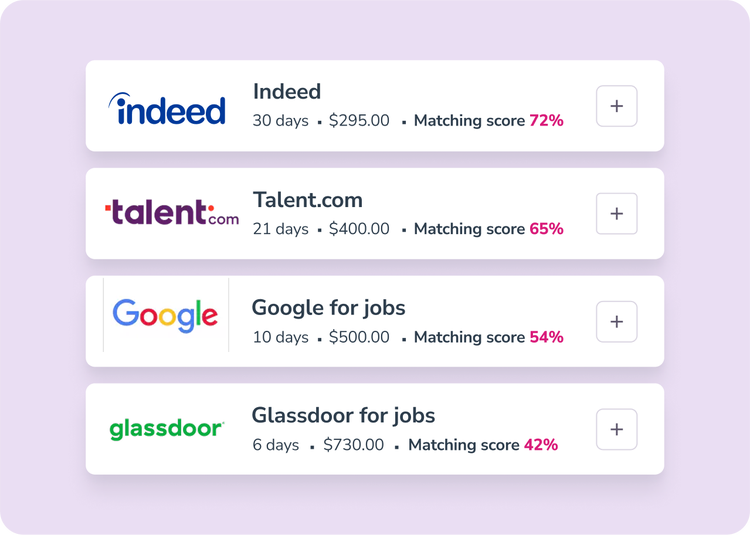
Stand out as a top employer with an easy-to-use, no-code careers site, and instantly expand your reach by publishing jobs across top job boards in one click. You can also turn on Job Alerts to keep interested candidates in the loop the moment new roles go live.
Connect your tools
Seamlessly connect your hiring process with your existing HR ecosystem. With 200+ integrations, such as BambooHR, Google Workspace, Microsoft Teams and more, you can power up your ATS with the tools that keep your team moving.
Data-driven reporting & insights
Track, measure, and optimize your hiring process with customizable reports and dashboards. Identify bottlenecks, uncover gaps, and make data-driven improvements effortlessly.
Key Differentiators
- WhatsApp Hiring: candidates can apply and chat directly via WhatsApp, built natively into the product.
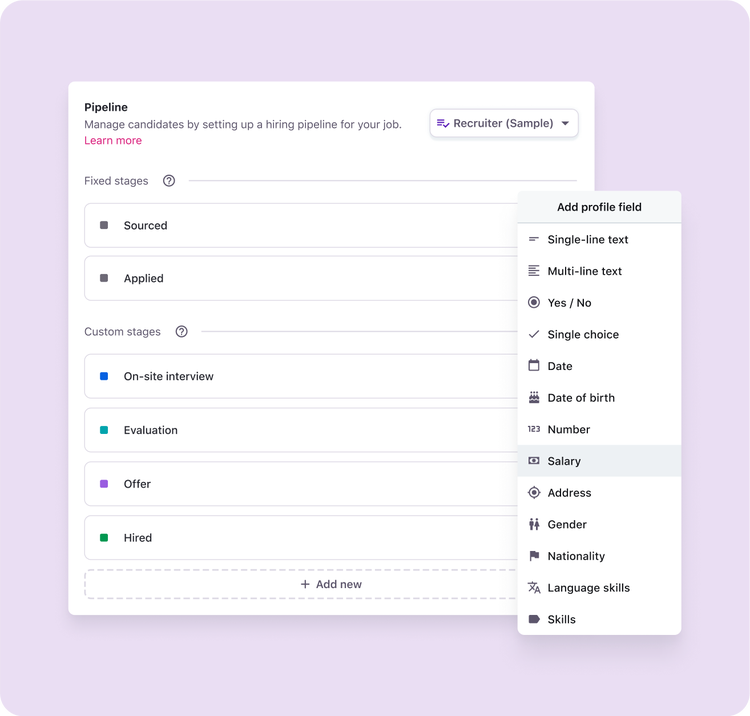
- Customizable workflows: build approval processes, hiring stages, and candidate journeys that match your exact needs.
- Collaborative hiring: multiple stakeholders, departments, and locations can share the same information in real time.
- Advanced reporting: create dashboards with the metrics you want to see. Choose your own grouping, chart types, filters, and date ranges.
Better Together
Together, Tellent Recruitee and BambooHR give customers a seamless bridge from hiring to onboarding. Once a candidate is hired in Tellent Recruitee, they can be sent to BambooHR in a few clicks directly from the candidate profile, eliminating manual data entry and the risk of information getting lost between systems.
Integration
How it works.
Once a candidate is hired in Tellent Recruitee, you can send them to BambooHR directly from their candidate profile in a few clicks.
How to install
Go to Marketplace > Categories > HRIS in Tellent Recruitee, select BambooHR v2, and click Integrate. Accept the integration terms, review the data permissions, then enter your BambooHR company subdomain. Log in to your BambooHR account to authorize the connection and you're set.
Once the integration is set up, go to the hired candidate's profile in Tellent Recruitee, click the three dots, and select "Send to BambooHR v2." Review the candidate's information, add any optional fields if needed, then click Send.
What data syncs?
Publisher
Tellent Recruitee
Updated:
Phone Support:
+31 85 888 0226
Email Support:
support@tellent.com
Support Hours:
Monday to Friday, 09am to 6pm (CET)