Trainual
Discount Packaging
Special Offer for BambooHR Users
10% off of their first year's plan
Overview
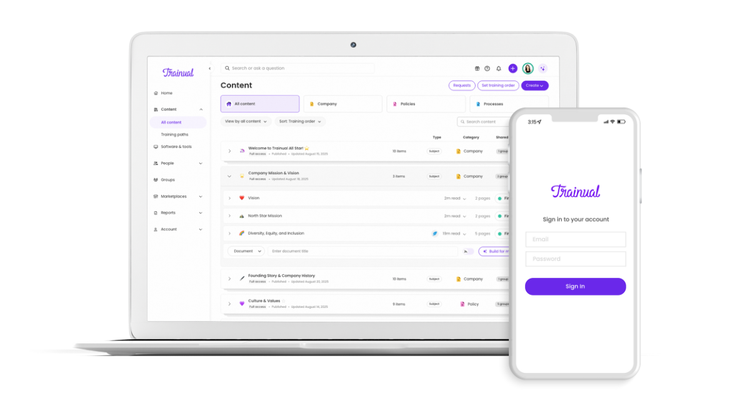
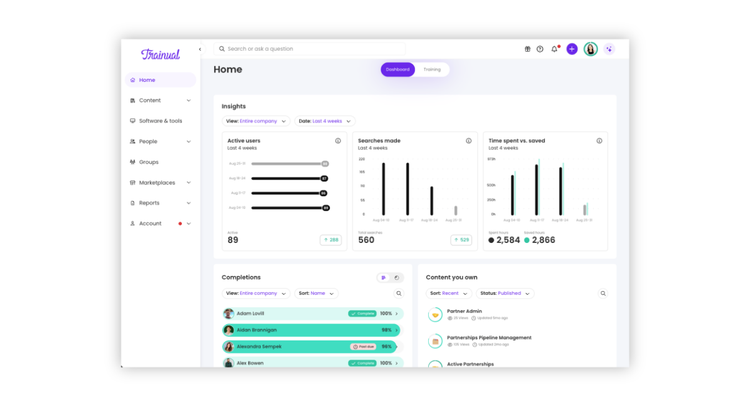
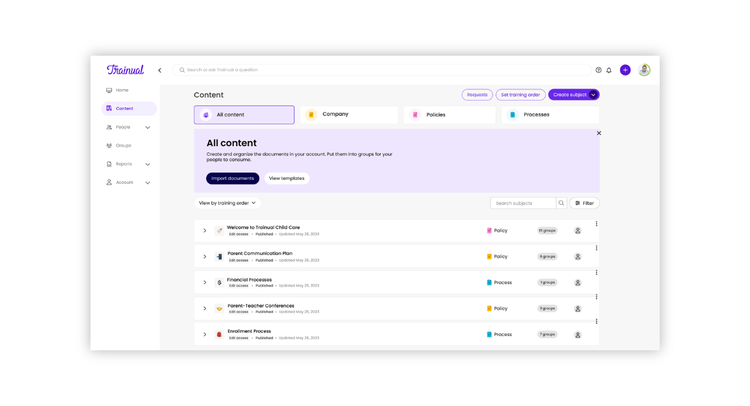
Trainual is the modern training and knowledge platform that helps growing teams document processes, policies, and standard operating procedures in one place. With the BambooHR integration, your people and org structure automatically stay in sync, ensuring that every employee, role, and department in BambooHR is reflected directly in Trainual. As teams evolve, new hires, role changes, and reporting lines need updated, Trainual keeps training assignments and organizational alignment completely inline.
Automated Employee Sync
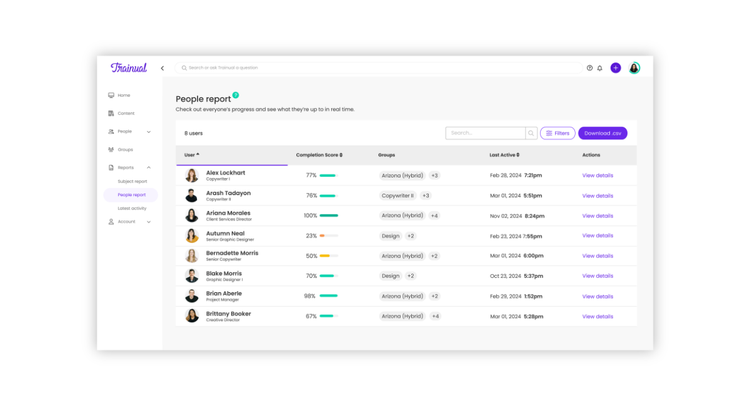
Automatically import and update employee records from BambooHR into Trainual to keep training assignments and org structure current.
Streamline Onboarding & Offboarding
As soon as new hires are added in BambooHR, they’re instantly synced within Trainual for your approval. In the event you remove any employee from BambooHR you'll have the ability to delegate any content and responsibilities ownership.
Role-Based Training Automation
Automatically enroll employees in training based on their location, department, team or role synced from BambooHR.
Time-Saving, Error-Free Setup
Eliminate manual data entry and ensure HR and training data stay perfectly aligned across platforms.
Key Differentiators
Trainual uniquely combines the following features in a way that's super user-friendly and quick to configure for small businesses:
- All-in-One Training + Knowledge + Org Clarity: Combines an LMS (with SCORM), SOPs/documentation, a knowledge base, and a roles & responsibilities directory. Replacing multiple tools with one source of truth.
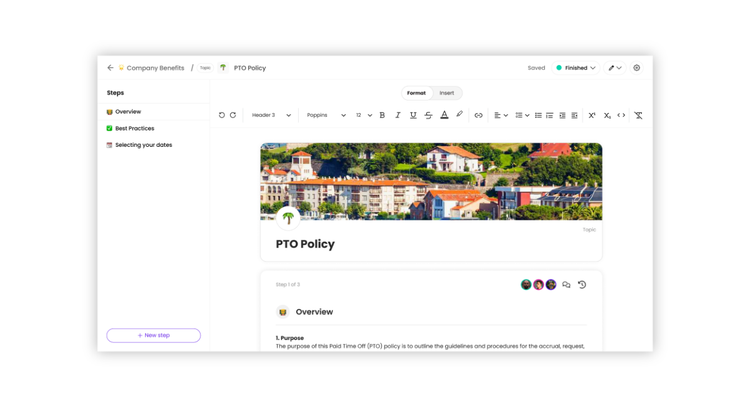
- AI-Powered Content Creation & Knowledge Discovery: Instantly generate SOPs, policies, training, and process content, and chat with your company’s knowledge base to surface answers instantly.
- Built-In Accountability & Compliance Tracking: Structured learning paths, assignments, reminders, versioning, and reporting ensure every employee is trained, compliant, and aligned as the business grows.
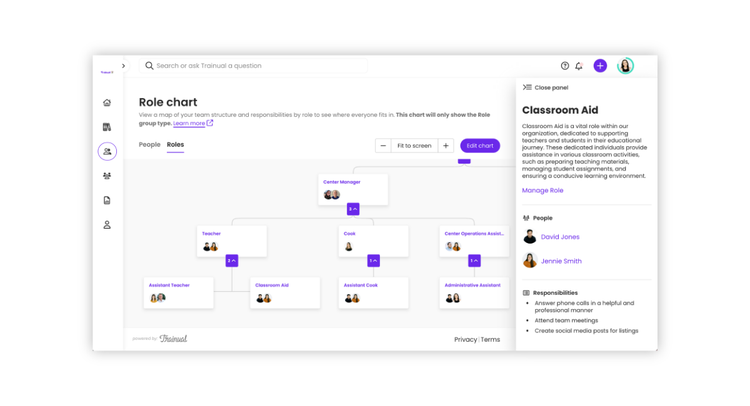
- Process Mapping & Delegation Planning: Visualize workflows, handoffs, and ownership so teams clearly understand how work gets done and who’s responsible for what.
Better Together Story
BambooHR and Trainual are the perfect pair for building better teams — and keeping them that way. Together, they connect your people data with your company knowledge so every employee stays aligned, engaged, and empowered from day one and beyond.
With BambooHR, you attract, hire, and manage great people. With Trainual, you equip them with everything they need to do great work — from documented processes to policies and role-based training. Integrated, the two systems automatically sync employee info so the right training and updates reach the right people at the right time.
The result? Faster onboarding, stronger retention, and a consistently aligned team. Your people always know what’s expected, where to find answers, and how to keep improving.
Because when your HR system and training system work together, you don’t just hire people — you build a culture of clarity and connection that lasts.
Integration
How it works
The Trainual + BambooHR integration automatically imports and updates employee data from BambooHR into Trainual, eliminating manual data entry and ensuring that every new hire or role change in BambooHR is reflected in Trainual.
Employee records - including name, email, role, department, and manager - are synced on the hour or can be refreshed manually for real-time updates. Once synced, employees are automatically added to the correct training content and policies within Trainual based on their role or department.
How to Install:
Navigate to the Integrations page within Trainual. Select BambooHR and authorize your account via the necessary credentials. Data will instantly be pulled mapping your employee fields, groups, and reporting structure
What data syncs?
Publisher
Trainual
Integration Published: 06/26/2024
Integration Updated: 10/22/2025
Email Support:
Support Hours:
Monday - Friday, 6am - 4pm PST