Yoffix
Discount Packaging
Get 15% off for the first 6 months when you start with Yoffix through BambooHR.
4 weeks free trial. Additional tech onboarding call.
20% discount on Yoffix Visitor Management for the first 6 months.
This offer is available for all new Yoffix customers. To claim your discount, simply reach out to our sales team and mention BambooHR.
Overview
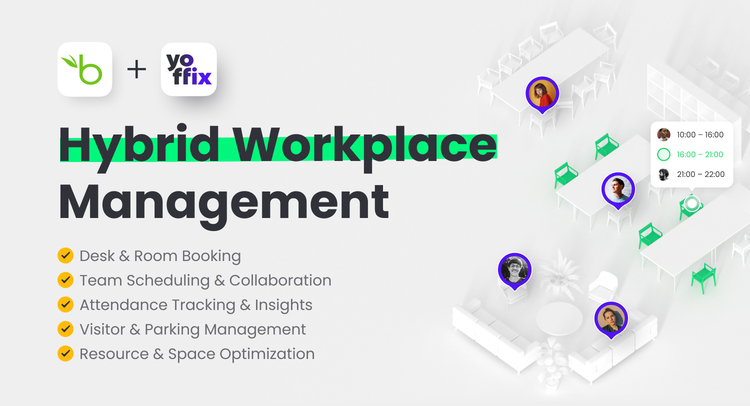
Yoffix is the all-in-one workplace management platform covering desk and room booking, team scheduling, attendance tracking, visitor and parking management, and workplace analytics, all in one place, with native integration into BambooHR, Microsoft 365, and Google Workspace
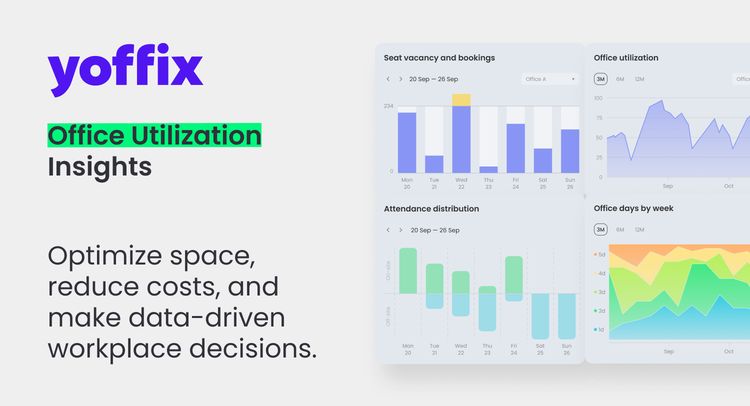
With Yoffix, HR and office teams gain complete transparency and control over how teams use the office, and optimize office use and costs by up to 30% – while employees enjoy a smart, intuitive tool to coordinate with colleagues and book the right resources with just a few clicks.
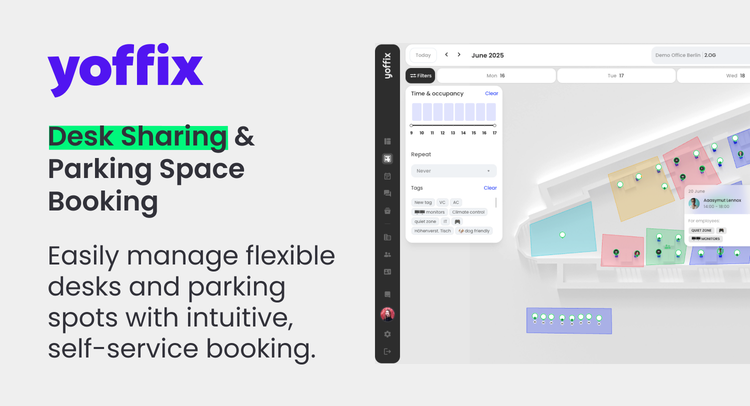
Desk Booking
Reserve the right desk with a single click, with real-time availability and saved favorite desks for regular office days. Granular booking rules control who can book what, and auto-release frees unclaimed desks automatically, helping you optimize space use.
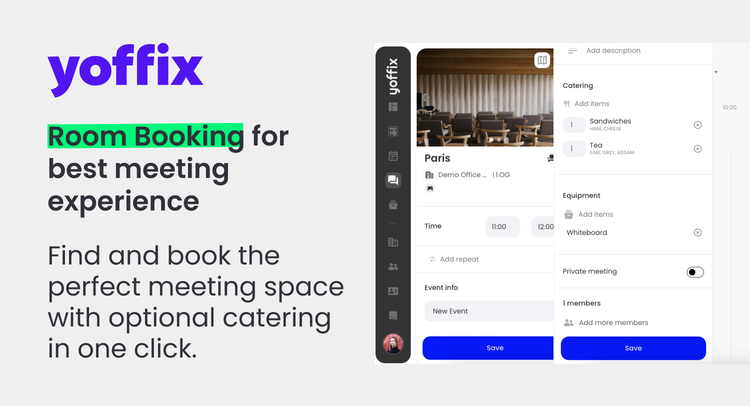
Room Booking
Find the best room for your meeting, add catering, equipment, and seating layout. Two-way sync with Outlook and Google Calendar eliminates double-bookings, and auto-release helps to minimize no-shows.
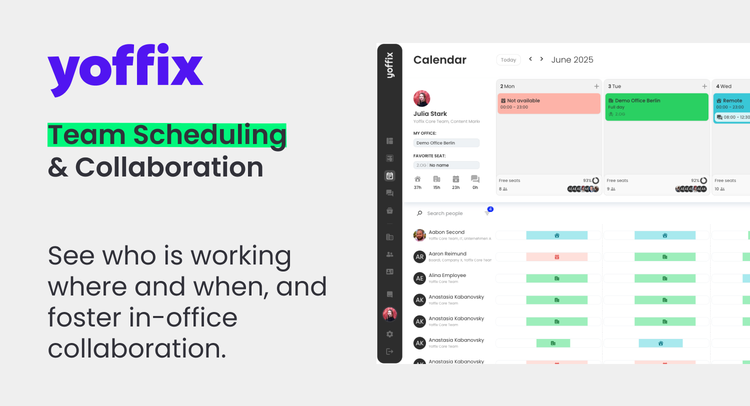
Team Scheduling & Collaboration
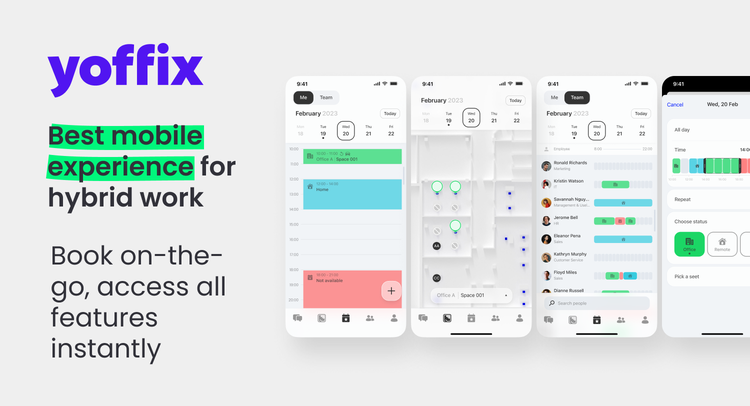
Set and communicate hybrid work policies, define team office days, and give managers and employees a clear view of who's working onsite or remote.
Attendance Management & Workplace Analytics
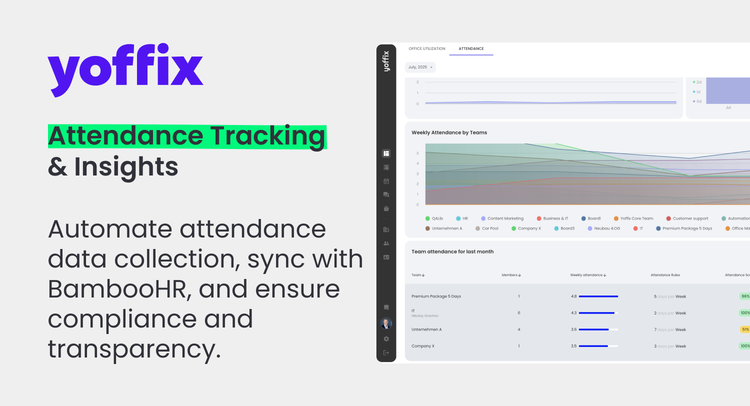
Attendance data is collected automatically and synced with BambooHR, giving HR and office teams the analytics they need to optimize space usage and cut costs by up to 30% and bring employees back to the office.
Visitor Management
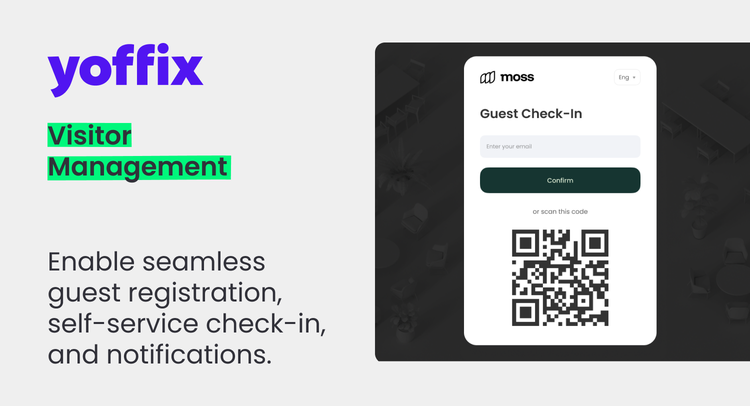
Manage the full visitor journey from digital invitations and self-service check-in to access logs, with data handled in line with privacy and compliance requirements.
Parking Management
Book parking spaces in advance, filter by tags, and give priority to specific team and sync with barrier systems.
Resource booking
Book shared equipment, vehicles, and other assets – everything year teams need – in one system.
Why Companies Love Yoffix
- Native integration with Microsoft 365, Google, and BambooHR
- Fast onboarding and user-friendly interface
- Supports hybrid, flexible, and activity-based work models
- Enables companies both to bring employees back to the office and optimize office use
- Tailored features for HR, office, and IT teams
- All-in-one Workplace Platform with flexible price plans
Join the companies shaping the future of work. Make hybrid work truly work – with Yoffix.
Plans and Pricing
Yoffix offers flexible modular plans to fit every organization’s needs. Choose from Business, Pro or Enterprise plans starting from just €1.5 / $1.7 per user per month. Mix and match modules to fit how your company works and pay only for what you need.
Integration
How it works
Yoffix seamlessly integrates with BambooHR to keep your hybrid workplace data in sync—automatically and securely. With real-time sync of employee profiles and absence records, Yoffix ensures your desk booking, attendance tracking, and team scheduling always reflect the most current information.
- Less Manual Work – Eliminate repetitive data entry with automatic user provisioning and absence syncing.
- Best UX with Automated Flows – Employees enjoy smooth, self-service experiences that just work.
- Easy Setup & High Adoption – Fast, no-fuss integration fully managed in your Yoffix account, with quick team buy-in thanks to intuitive design.
- Spend less time on admin—and more on building a workplace that works.
How to Install:
1. Log in to Yoffix
Start by logging in to your Yoffix account.
2. Go to Company Settings
Once you’re in, navigate to Company Settings. Open the Integrations tab.
3. Select BambooHR from User Sync Integrations
Click on User Sync, then select BambooHR from the list of available integrations.
4. Enter Your API Key and Company Domain
You’ll see a BambooHR integration form. Here, you’ll need your BambooHR API key and your company domain.
- Getting Your BambooHR API Key:
- Log in to your BambooHR account.
- Click on your avatar (profile icon) to open account settings.
- Go to API Keys.
- Click Add New Key.
- Enter a name for your API key and click Generate Key.
- Copy the generated key.
- Return to Yoffix and paste this key into the API Key field.
- Find Your Company Domain:
- Look at your BambooHR URL.
- Example: If your URL is mycompany.bamboohr.com, then mycompany is your domain.
- Copy this domain and paste it into the Company Domain field in Yoffix.
5. Connect Yoffix and BambooHR
Click Connect to start the integration. If everything is entered correctly, you’ll see a success message confirming that your Yoffix and BambooHR accounts are now linked.
6. Optional: Enable Automatic Invitations
If you want new employees to get immediate access to Yoffix, you can enable Invite new users automatically. This way, anyone added in BambooHR will automatically receive a Yoffix invite.
7. What Data Is Synced?
Users: All users in BambooHR will sync to Yoffix, including first and last name, email, position, department, and profile picture.
Absences: After the first sync, Yoffix will also pull in all absences from BambooHR keeping your office and remote schedules always up to date.
That’s it! Your BambooHR integration is now live, and you can enjoy seamless, automated updates for your hybrid workplace.
If you need help or have any questions, email us at support@yoffix.com – our support team is here for you.
What data syncs?
Publisher
Yoffix
Published: 7/17/2025
Phone Support:
US: +1 (332) 263-3290
UK: +44 741 241 1404
GER: +49 304 1737031
Email Support:
8:00 – 20:00 Central European Time