Access Level Pagination and Search
We have made updates to improve how you navigate and manage users within the Access Levels section of Settings. You can now search and move through paginated results, making it faster to find the right employees and manage access with less scrolling.
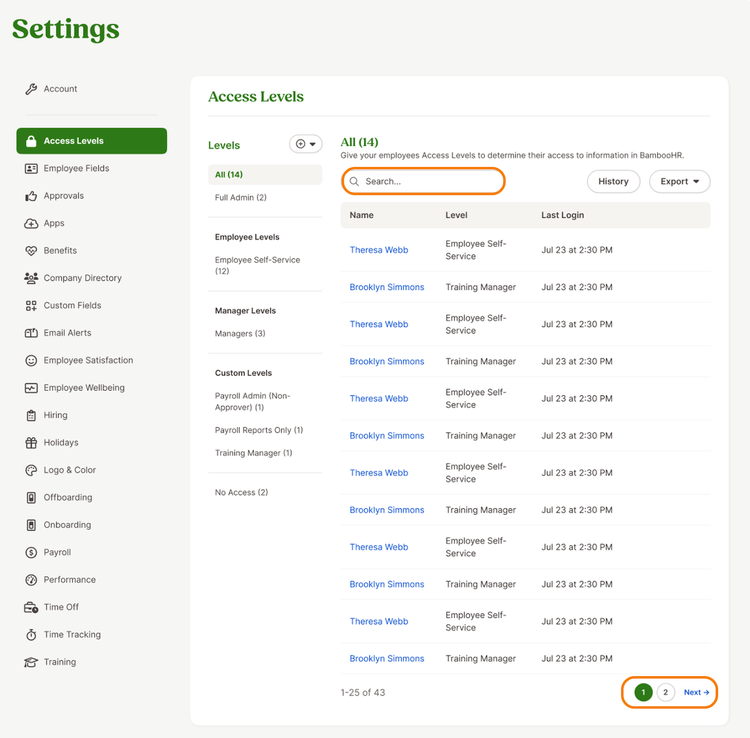
On the All and No Access pages, you can now use search to quickly find specific employees. Pagination also helps you move through large lists of users more easily.
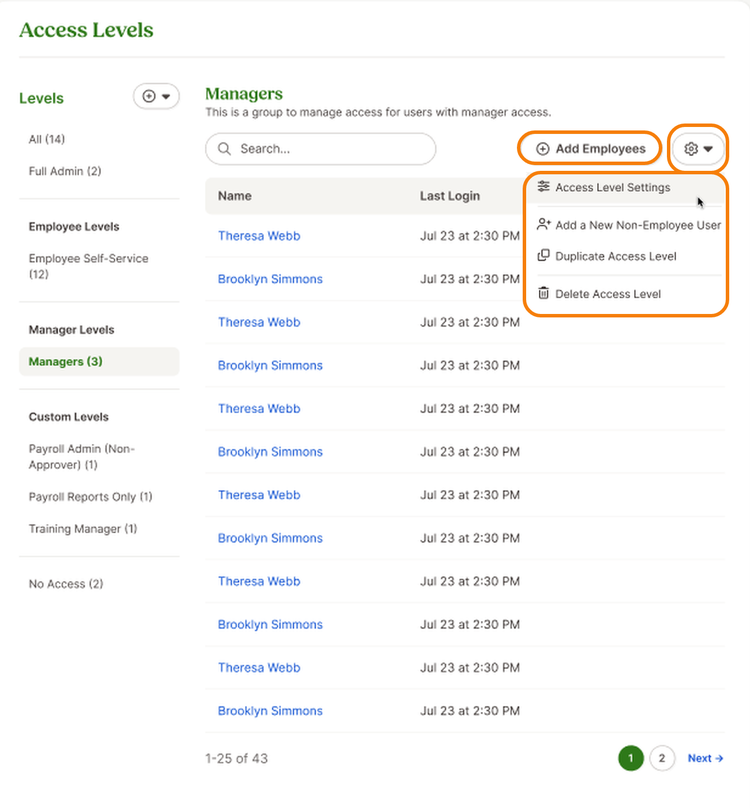
On individual access level pages (employee, manager, and custom), you will also find search and pagination to help you quickly locate employees within that specific access level. In addition, we moved the Add Employees button to better align with the updated layout. Next to this button, you will now find the Access Level Settings option within the action menu (gear icon).
As always, we love your feedback! To provide product feedback on this feature and more, head over to our product feedback page and let us know how we’re doing.