Additional Paystub Notes Enhancements
Managing paystub notes is easier than ever. You can now spot, open, and update paystub notes right from the Edit page. When you complete an individual Wage Adjustment, you’ll also have the option to add the “Adjusted Wages” note in one easy click. This keeps teammates informed and saves you a trip to Payment Details.
What’s new
- A note indicator icon appears on the Edit page for employees who have any paystub notes. Tapping it opens a quick preview.
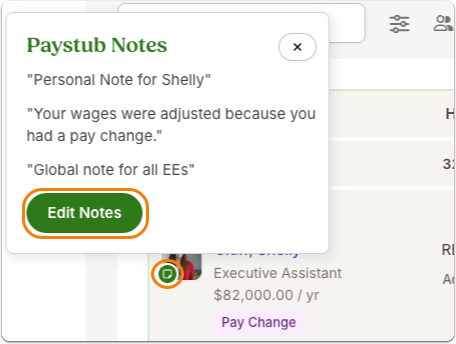
- From the preview, select Edit Notes to manage Personal, Adjusted Wages, and Global notes in one modal. Save and you’ll see a success banner without leaving the Edit page.
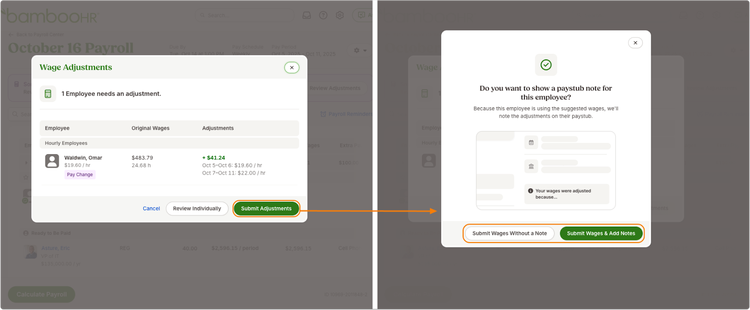
- When completing an individual Wage Adjustment (via the calculator on Edit or the banner on Payment Details), you can now submit with or without a note, including a fast path to add the “Adjusted Wages” note.
As always, we love your feedback! To provide product feedback on this feature and more, head over to our product feedback page and let us know how we’re doing.