Ask BambooHR: Full Screen Expansion
You can now expand the Ask BambooHR modal into a full-screen workspace. This update gives you more room to read detailed responses, review data, and continue longer conversations without losing your place. Switch between compact and full-screen views anytime, depending on what you need.
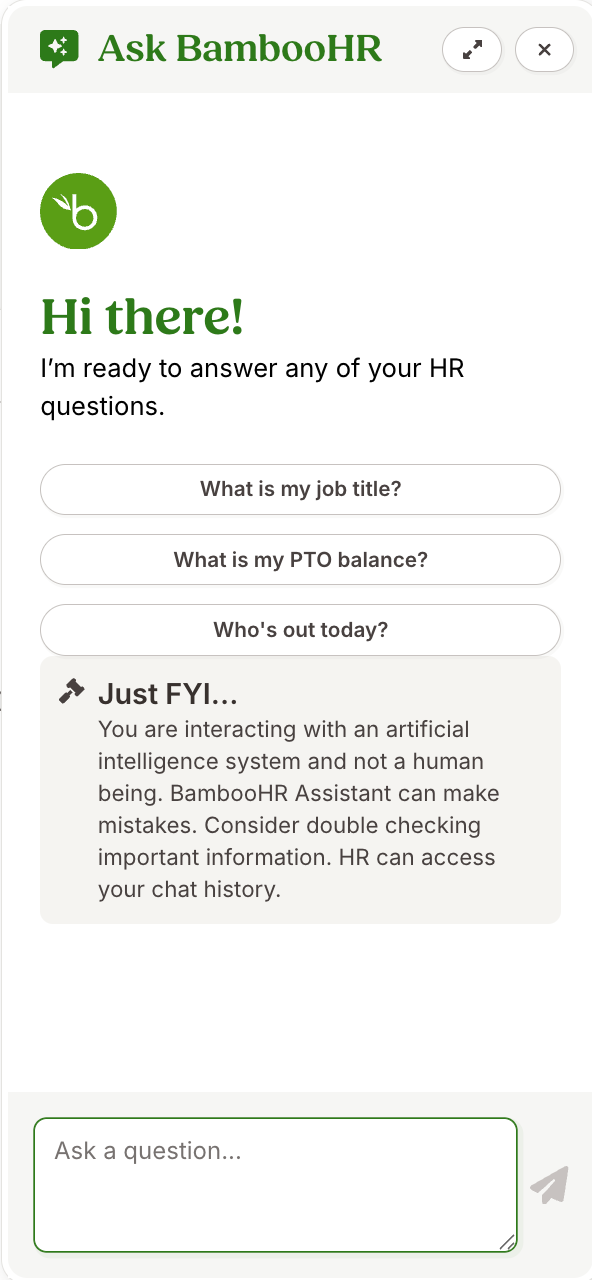
We added a new expand icon to the Ask BambooHR modal header. When you select the expand icon, the modal opens into a full-screen workspace. In full-screen mode, the icon changes to a collapse button. Select it to return the modal to its original size and position.
Your work stays intact as you move between views. The system preserves any text you type but have not yet sent. It also keeps your scroll position in the conversation history, so you can pick up right where you left off.
As always, we love your feedback! To provide product feedback on this feature and more, head over to our product feedback page and let us know how we’re doing.