Automatically publish recurring schedules
Keep recurring schedules moving without another weekly task on your list. Auto-publish pushes those schedules out for you, helping employees get timely visibility into their shifts while reducing repetitive manual work.
What's new
Full admins can now turn on Auto-publish shifts in Edit Schedule Settings. Once enabled, they can choose how far in advance each week’s shifts should publish using days or weeks. Auto-publish is off by default, and the default lead time when it’s enabled is two weeks.
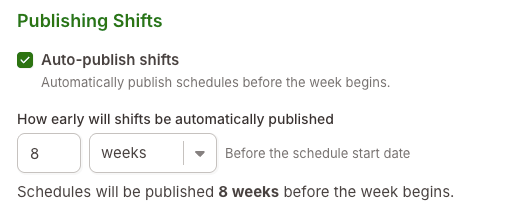
Managers can set a lead time of up to eight weeks or 56 days. A lead time of zero publishes shifts when the scheduled week begins. The schedule view also displays the date auto-publish is scheduled, making it easy to see when the next week will publish.
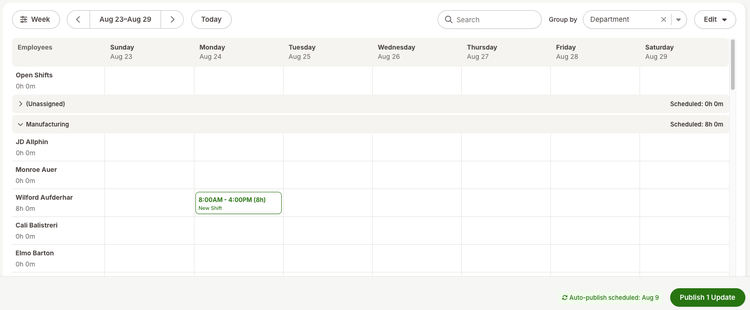
Auto-publish follows the same publishing process as manual publishing, including existing conflict handling and pending edits. If some shifts have conflicts, eligible shifts can still publish while conflicting shifts remain unpublished. Managers can also continue publishing manually at any time, even when auto-publish is turned on.
As always, we love your feedback! To provide product feedback on this feature and more, head over to our product feedback page and let us know how we’re doing.