Cascading Goals
You can now create and manage Cascading Goals in BambooHR. Cascading Goals connect company goals to department and individual goals, so everyone can see how their work supports bigger priorities and larger-scale projects. This helps your team align efforts, track progress with confidence, and complete goals on time.
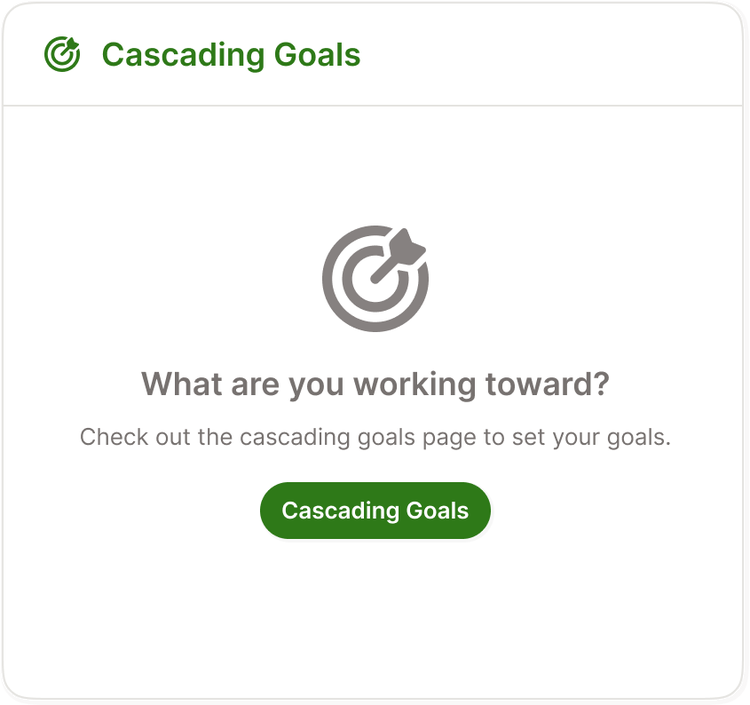
Admins can enable cascading goals in Settings > Performance > Goals. After cascading goals is turned on, you will see a new Cascading Goals widget and a new option when creating a goal. The widget links to a dedicated Cascading Goals page and shows a quick snapshot once you add goals.
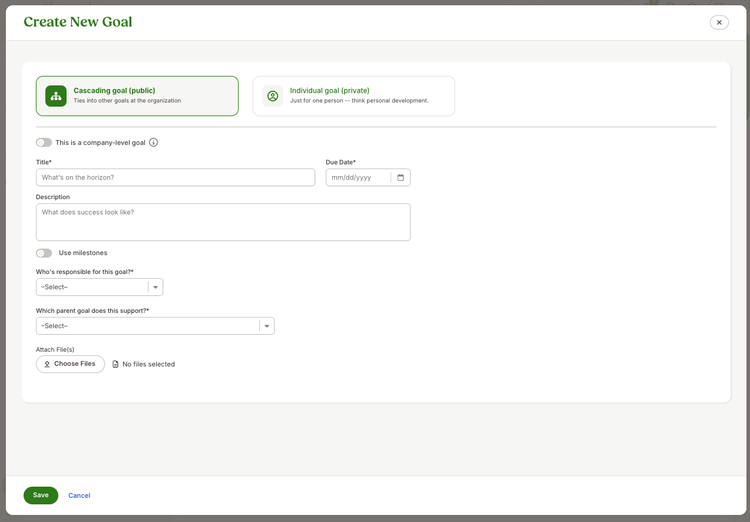
When you create a goal, you now have the option to select either Cascading goal (public) or an Individual goal (private). Selecting the Cascading goal (public) option lets you connect your new goal to a parent goal.
The Cascading Goals page gives you a tree view of company and team goals. You can expand goals up to five levels to see how work connects across the organization. Each goal shows the owner, title, progress bar, and due date with a friendly countdown or overdue label. Hover over any goal to open its details.
New emails support key moments, including when a shared goal is complete, when all sub-goals are complete, and when goals are shared.
As always, we love your feedback! To provide product feedback on this feature and more, head over to our product feedback page and let us know how we’re doing.