Simplified 2-Step Setup
Setting up 2-Step Login now guides employees toward a more secure choice from the start. By making authenticator apps the default option and simplifying the setup flow, it is easier to protect accounts while reducing friction during setup.
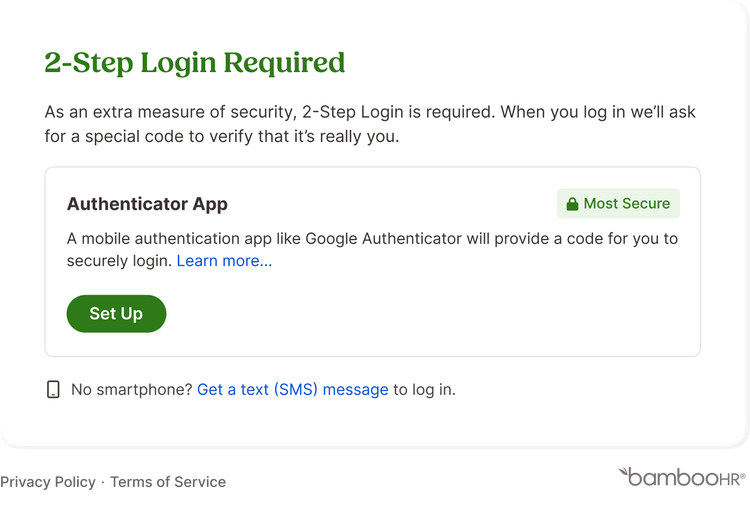
Authenticator apps are now preselected as the recommended method, helping employees choose a stronger form of verification without extra decision-making. The setup experience is cleaner and more intuitive, with step-by-step guidance and QR codes that make it quick to download and connect an app. Backup options like SMS and recovery codes are still available, but have been moved behind an “Add a backup method” option to keep the initial experience focused and uncluttered.
This update helps employees set up their 2-Step Login faster while strengthening account security by default.
As always, we love your feedback! To provide product feedback on this feature and more, head over to our product feedback page and let us know how we’re doing.