Perk
Discount Packaging
Exclusive Offer for BambooHR Clients: One month with no premium booking fees!
Overview
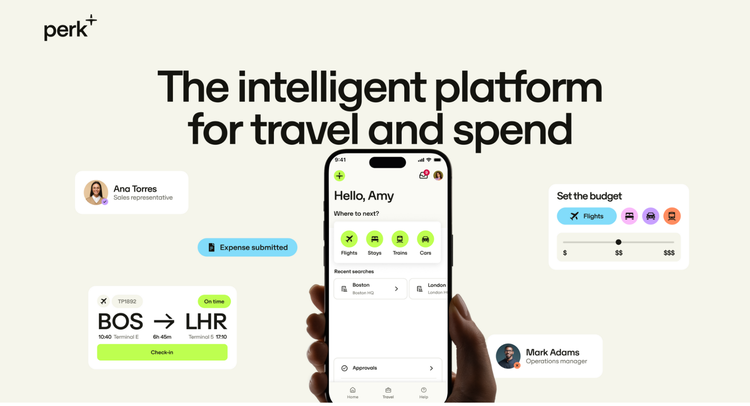
Perk’s powerful platform simplifies how your teams travel for work, and works hand-in-hand with the very best spend tools to give you a single platform to manage everything.
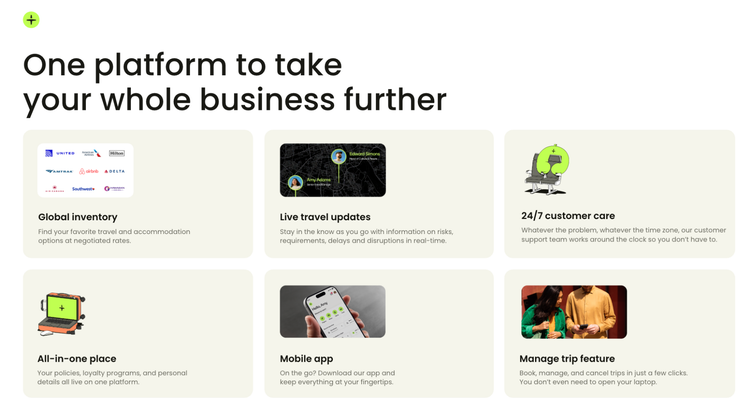
One platform to take your whole business further
An all in one platform makes it easy for travelers to book their flights, cars, stays and trains. saving time going through endless tabs. All their info is stored within the one-time employee setup, so they save time inputting their personal information and loyalty programs each time.
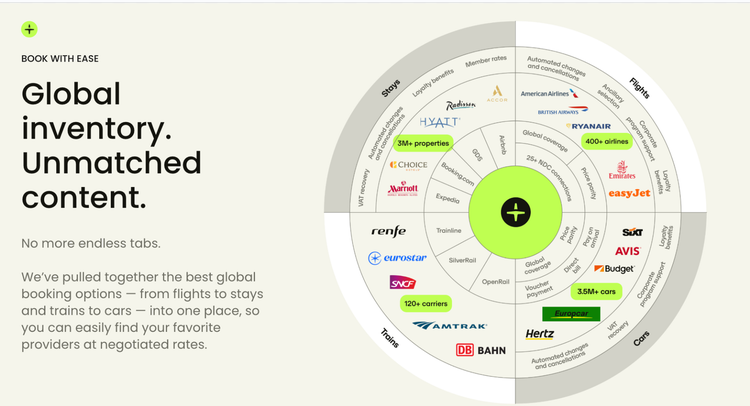
Global inventory. Unmatched content.
We’ve pulled together the best global booking options — from flights to stays and trains to cars — into one place, so you can easily find your favorite providers at negotiated rates.
Control costs. Track spend.
Customizable policies can be set to ensure traveler spend is in check. Policies can be as flexible as you need them to be and can be adjusted at any time.
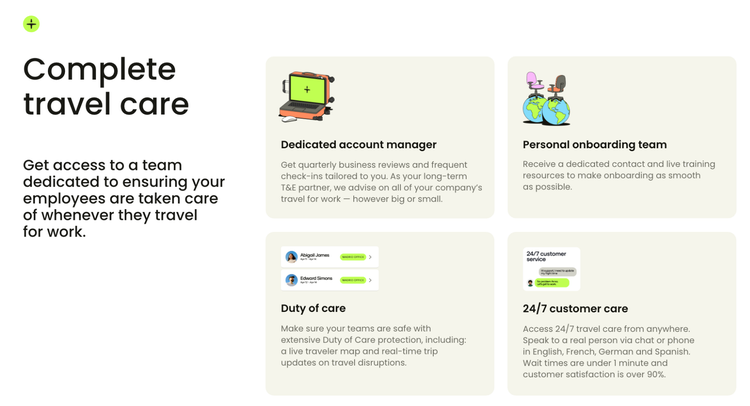
Complete travel care
For your travelers, we provide a 24/7 support team to assist with anything your travelers need before their trip and while on the road. Our customer care team is available via our app, email and phone, with quick response times and always a human.
Better Together Story
Synchronize Perk users with BambooHR company directory: Create new users or archive users. Select which users to be sync: only from certain departments/ locations or from the whole directory. Keep user information up-to-date: names, middle names, and surnames; emails; work phones; gender. Manually trigger data synchronization or set up automatic synchronization
Integration
Synchronize Perk users with BambooHR company directory: Create new users or archive users. Select which users to be sync: only from certain departments/ locations or from the whole directory. Keep user information up-to-date: names, middle names, and surnames; emails; work phones; gender. Manually trigger data synchronisation or set up automatic synchronisation.
Publisher
Perk
Updated: 10/15/2019
Phone Support:
1(888)-775-9908
Email Support:
agent@perk.com
Support Hours:
You can contact us 24/7 - 7 days a week! Via the following channels:
Live Chat
Phone Support
Email